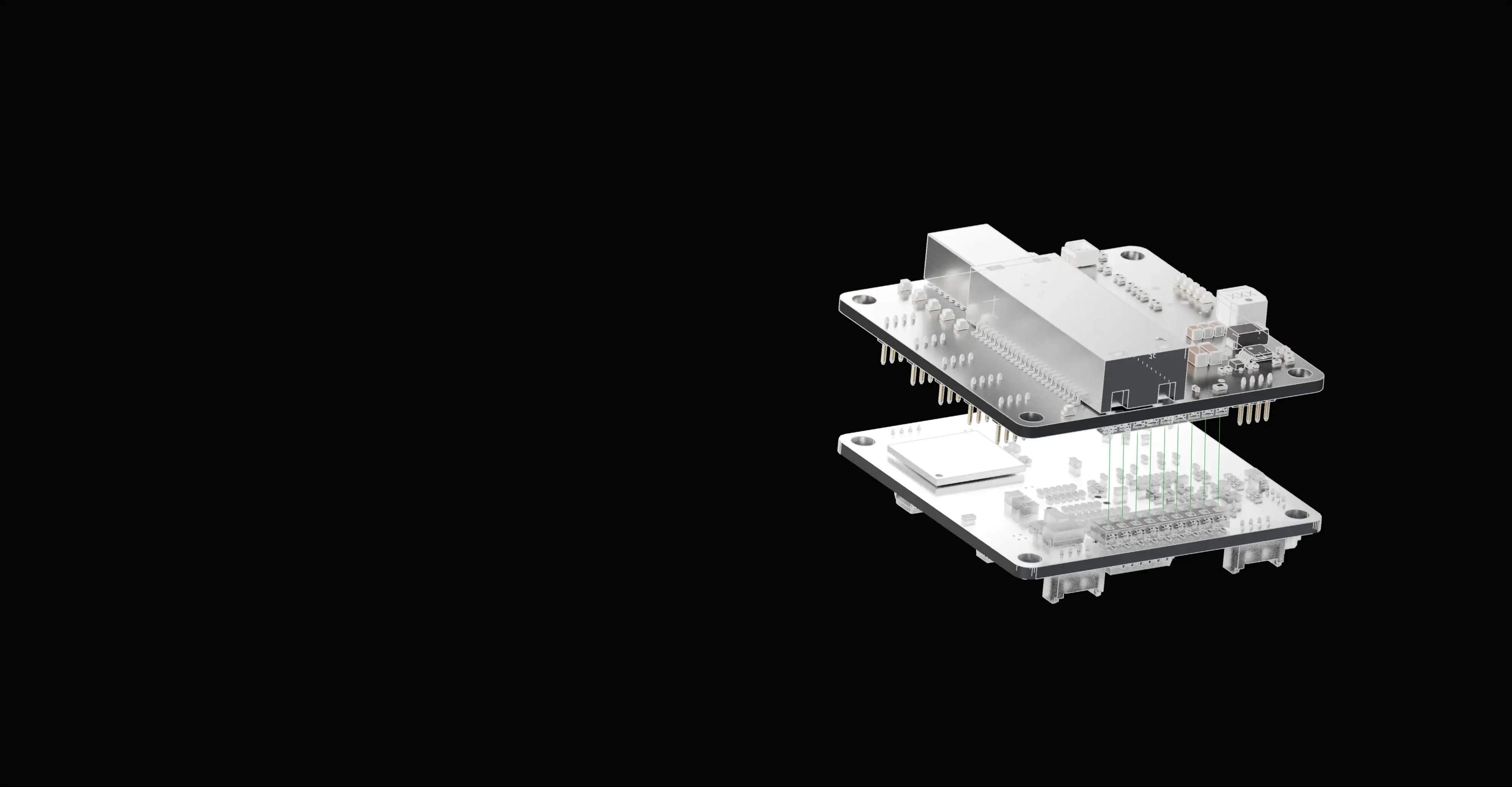
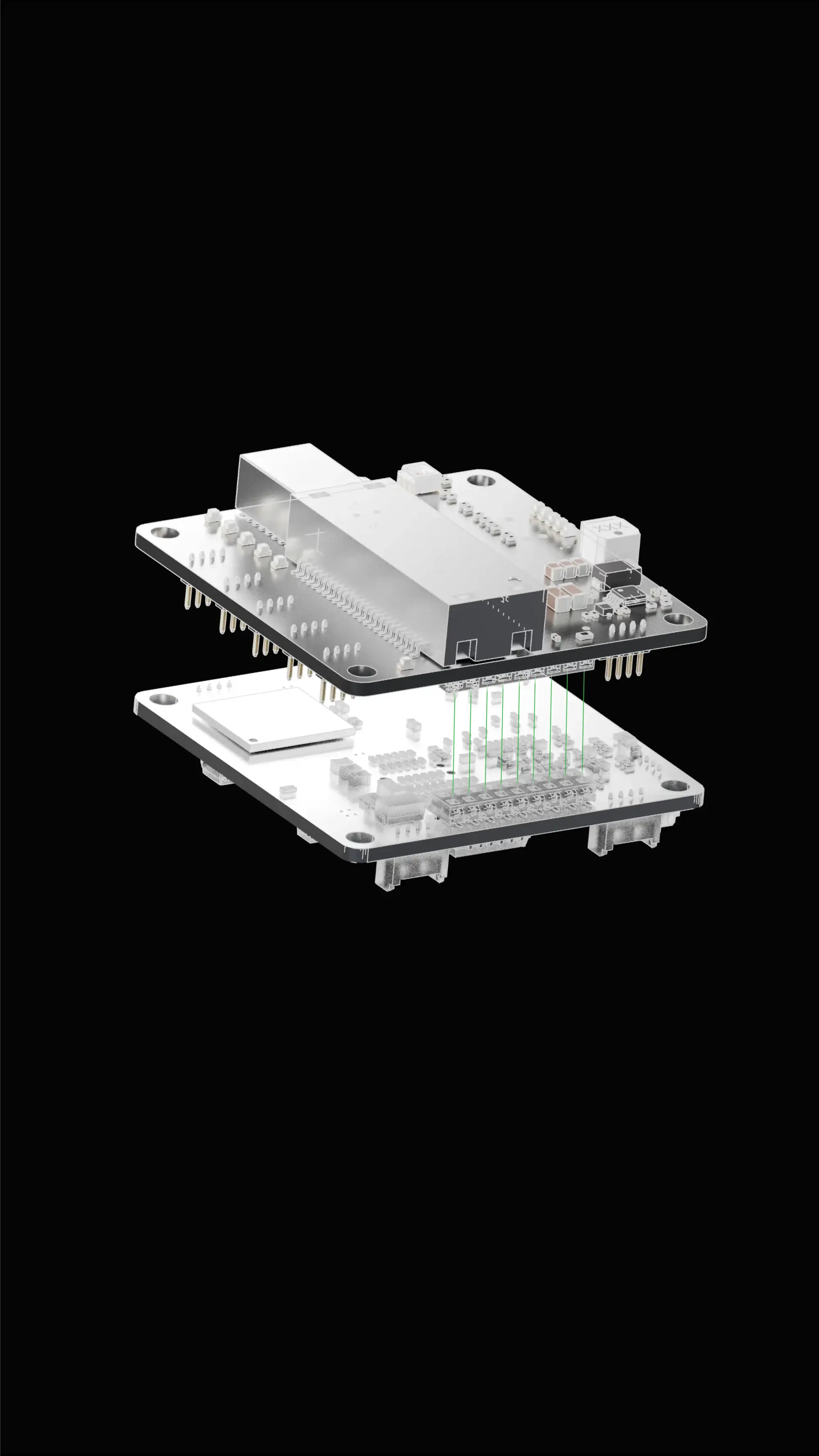
Edge Compute Modules that stack directly onto our networking modules.
RUGGED SOM
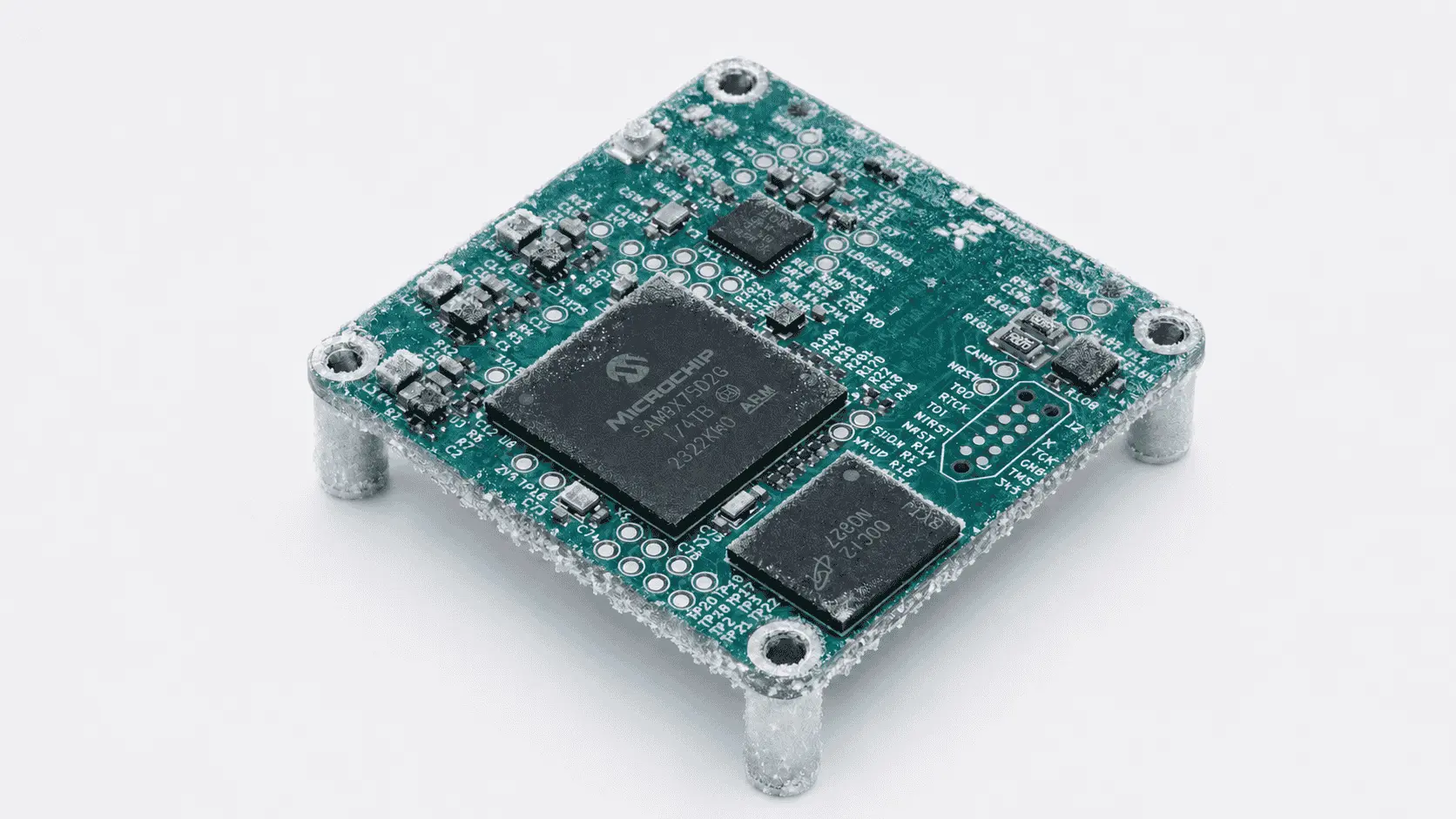
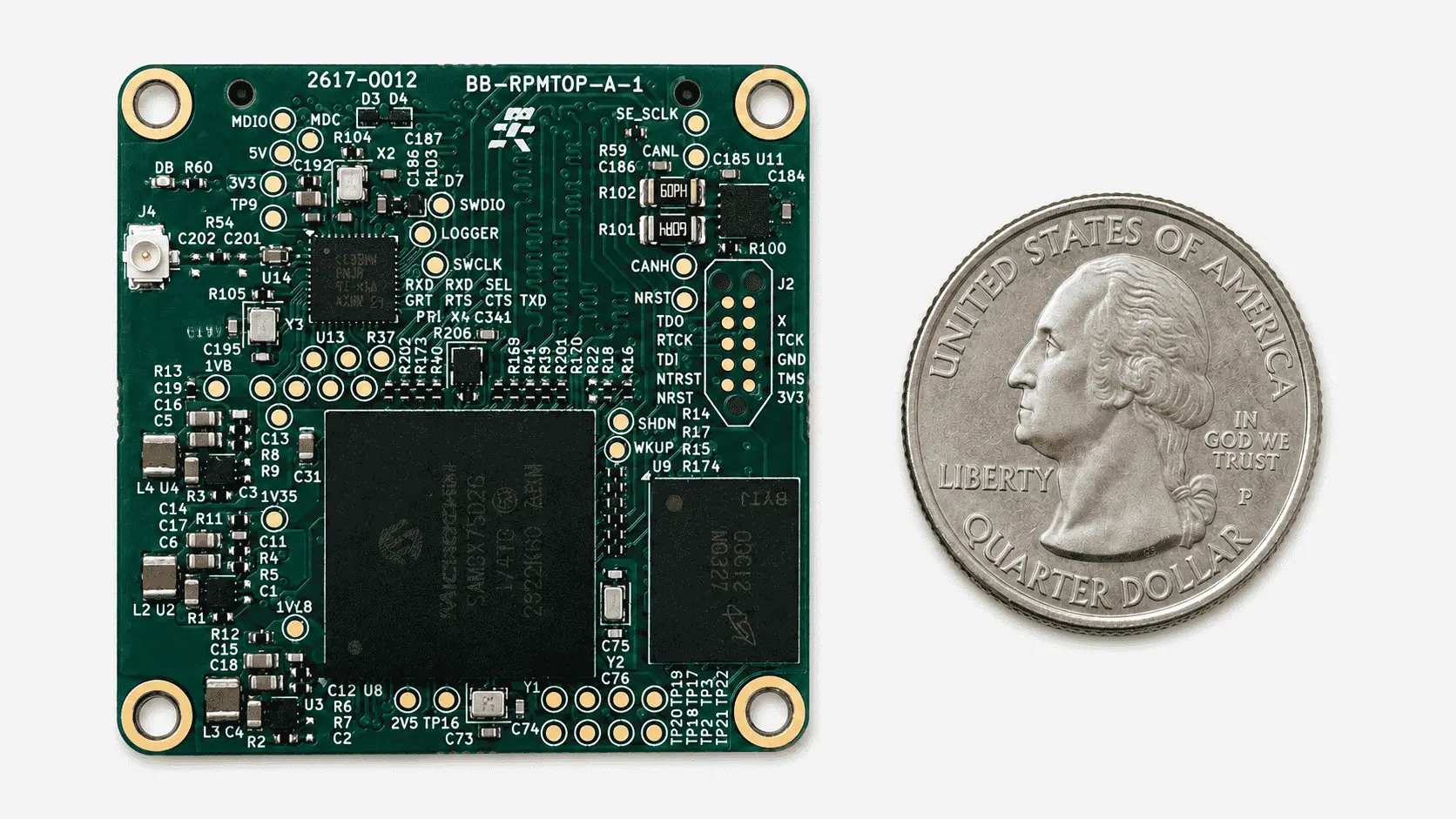
A System-on-Module is a tiny circuit board that embeds the processor, the RAM, the storage, the power management, the clock generation, and a curated set of high-speed peripherals all routed, validated, and characterised on a footprint typically smaller than a credit card.
SOC design is hard. DDR memory routing requires impedance-matched, length-tuned traces. Multi-rail power sequencing demands precisely-timed regulator ramps. EMI mitigation around fast clocks needs careful ground planes and decoupling.
Get any of these wrong and the system either doesn't boot, fails certification, or crashes in the field at 60°C. A SOM ships with all of this already solved.
COMPARATIVE
SoC Chip-Down
SBC (Raspberry Pi, Jetson dev kit)
Industrial Box / Appliance
SOMs
Time to first prototype
12–18 months
1 day
Off-the-shelf
4–8 weeks
Engineering effort
Very high
Minimal
None
Carrier board only
Form factor flexibility
✓ Total
✗ Fixed
✗ Fixed
✓ You design the carrier
Custom I/O & connectors
✓ Total
✗ Limited to onboard headers
✗ None
✓ Anything you want
Upgrade path
Full redesign
Buy newer SBC, redesign integration
Replace whole unit
Swap SOM, keep carrier
Required HW expertise
Senior Hardware Expertise
Minimal
Minimal
Junior Hardware Expertise
Volume cost efficiency
Best at >10k units
Poor (full retail markup)
Worst (premium pricing)
Strong from 100+ units
Best for
High-volume consumer products
Hobbyist · prototyping
Quick deployment, low-mix
Custom rugged systems
Our SOMs stack directly with BotBlox Ethernet switch hardware to add compute capability directly into the network.
Instead of connecting a separate processor to a switch port, the SOM integrates with the switch itself, giving it direct access to Ethernet traffic while reducing system size, weight, and cabling.

If you've deployed any BotBlox Rugged product, you already know these limits. The numbers below aren't theoretical — they're field-validated boundaries, characterised across temperature cycling, vibration testing, and altitude exposure.
Our SOMs inherit the same environmental envelope as the entire BotBlox Rugged family — the same -40°C to +85°C range, the same 30,000 ft altitude rating, the same wide voltage tolerance.
If you've deployed any BotBlox Rugged product, you already know these limits. The numbers below aren't theoretical — they're field-validated boundaries, characterised across temperature cycling, vibration testing, and altitude exposure.
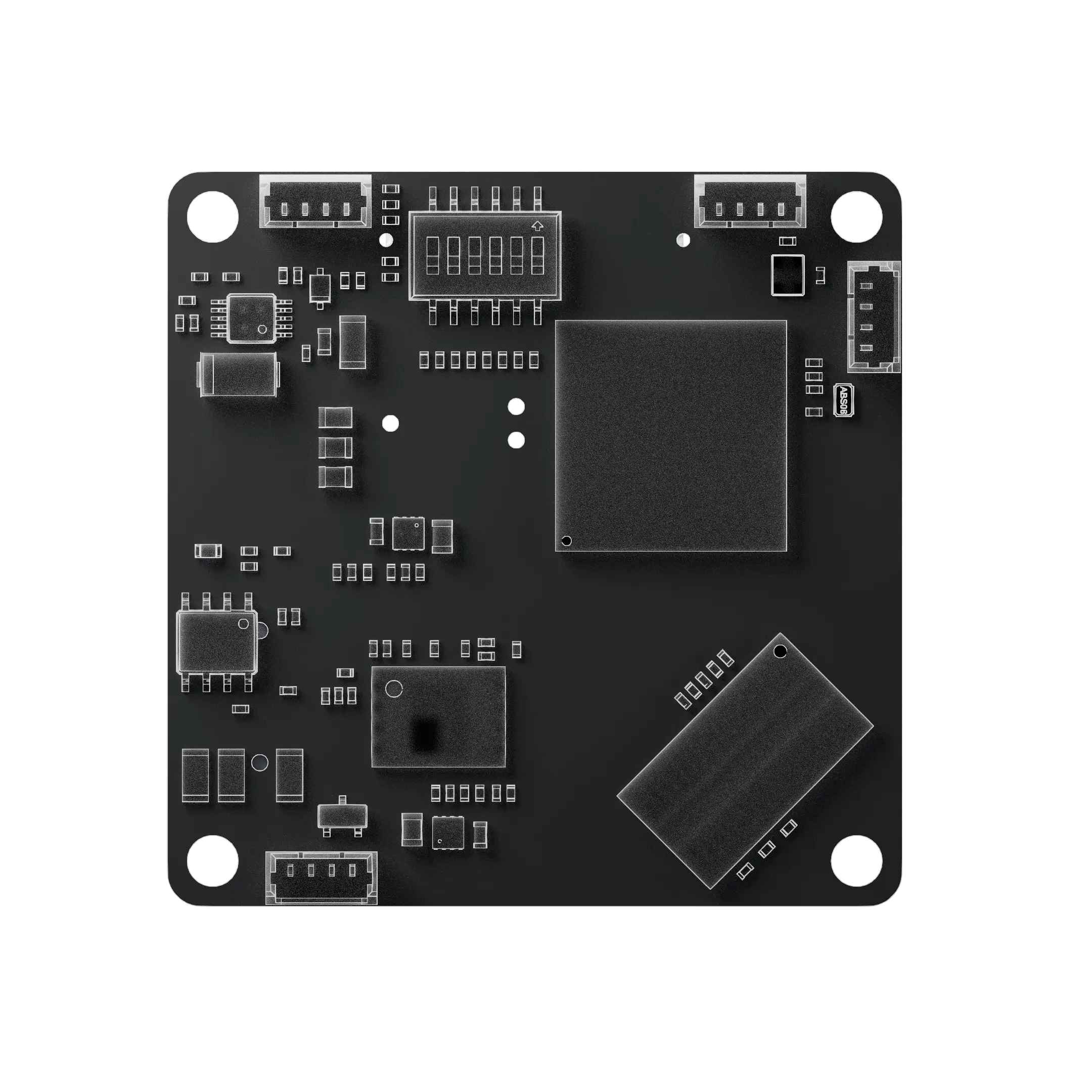
Parameter
Value
Form Factor
40 × 40 × 16 mm
Input Voltage
5–60V (with protection)
CPU Core
Arm Cortex A7
Max Clock Frequency
792MHz
RAM
4Gbit
Ethernet Ports
1 x RGMII
USB Ports
1 x USB 2.0
Other Ports
1 x UART, 1 x RS482/422
OS
Linux, OpenWRT
Connectors
Molex PicoBlade
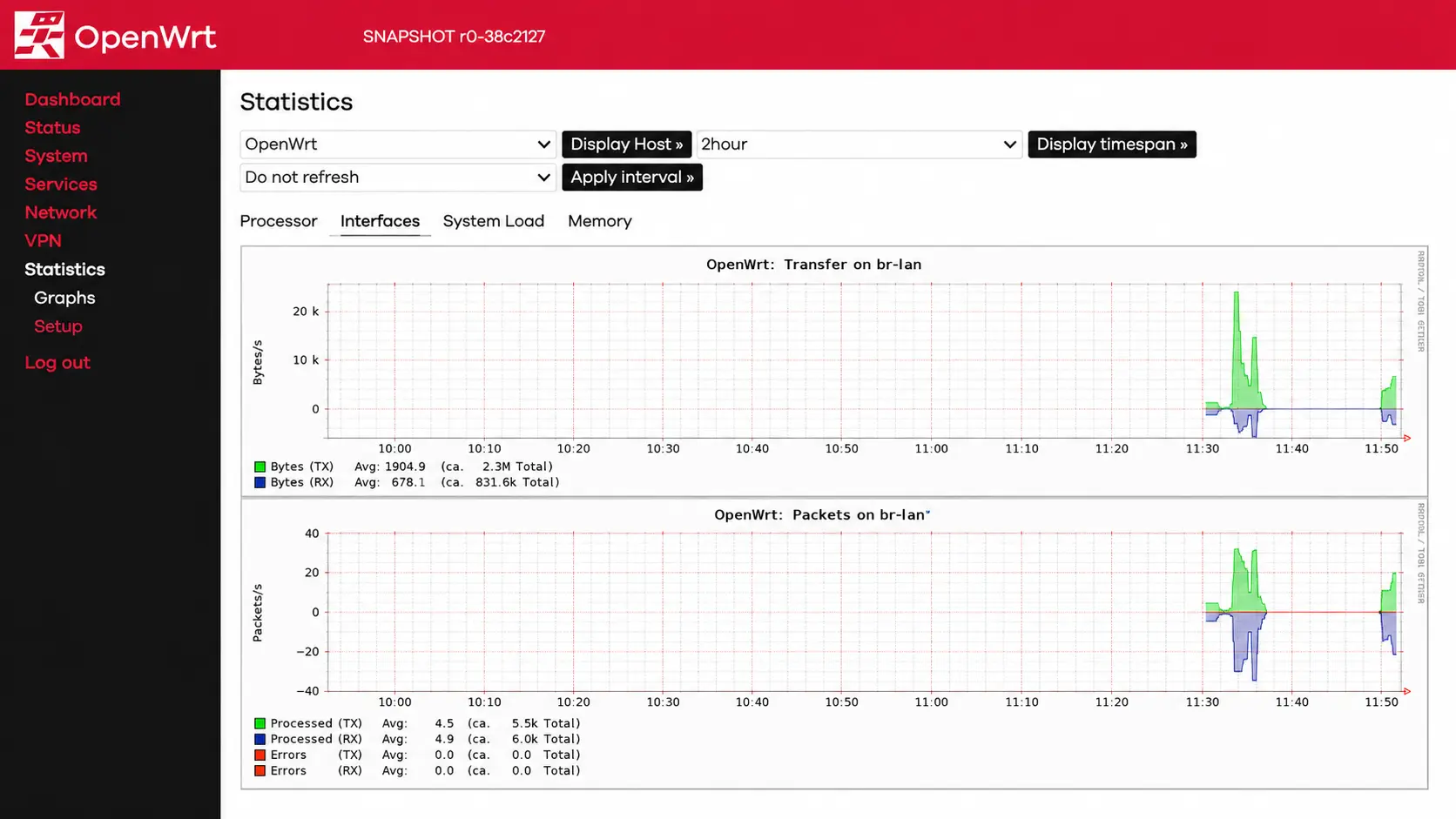
BotBlox SOMs ship with OpenWRT pre-installed, the same battle-tested Linux network stack running on millions of routers worldwide.
You get a web GUI for configuration and a complete CLI accessible over any Ethernet port or serial console.
Browse to the SOM's IP from any device on the network and configure VLANs, multicast routing, QoS, and firewall rules through a familiar Linux router interface.




The physical port array, magnetics, and Ethernet PHYs. Stack them together via the high-density stacking connector and you have a complete, self-contained managed switch ready to deploy.

Common questions about BotBlox SOM
What's the difference between a SOM and a single-board computer (SBC)?
An SBC (like a Raspberry Pi) is a complete standalone board. A SOM is a compute module that mounts onto a carrier board you design. SOMs let you customize I/O, form factor, and connectors without redesigning the processor subsystem.
Can I use the Rugged SOM standalone, without a SwitchBlox Rugged?
The SOM exposes a single RGMII interface and serial ports — usable standalone for compute applications. But to access its full 5-port managed switching capability, you need to pair it with a SwitchBlox Rugged baseboard. Our newer SOMs are designed with less coupling to our boards, and are more suited to mounting onto a custom baseboard.
Which SwitchBlox Rugged revisions are compatible with the SOM?
Revision F or later. Older revisions can be upgraded via the BotBlox engineering team — contact us for retrofit options.
Can I run my own Linux distribution instead of OpenWRT?
Yes. Contact engineering for a build configured to your application.
What about firmware updates in the field?
Over-Ethernet firmware updates are supported via OpenWRT. Yocto builds update over serial. No physical access required once the SOM is deployed (with OpenWRT).
Is there a development kit?
Yes — the SOM + SwitchBlox Rugged bundle on shop.botblox.com is the recommended development kit. It boots OpenWRT with a default config and a working web GUI within 30 seconds.
